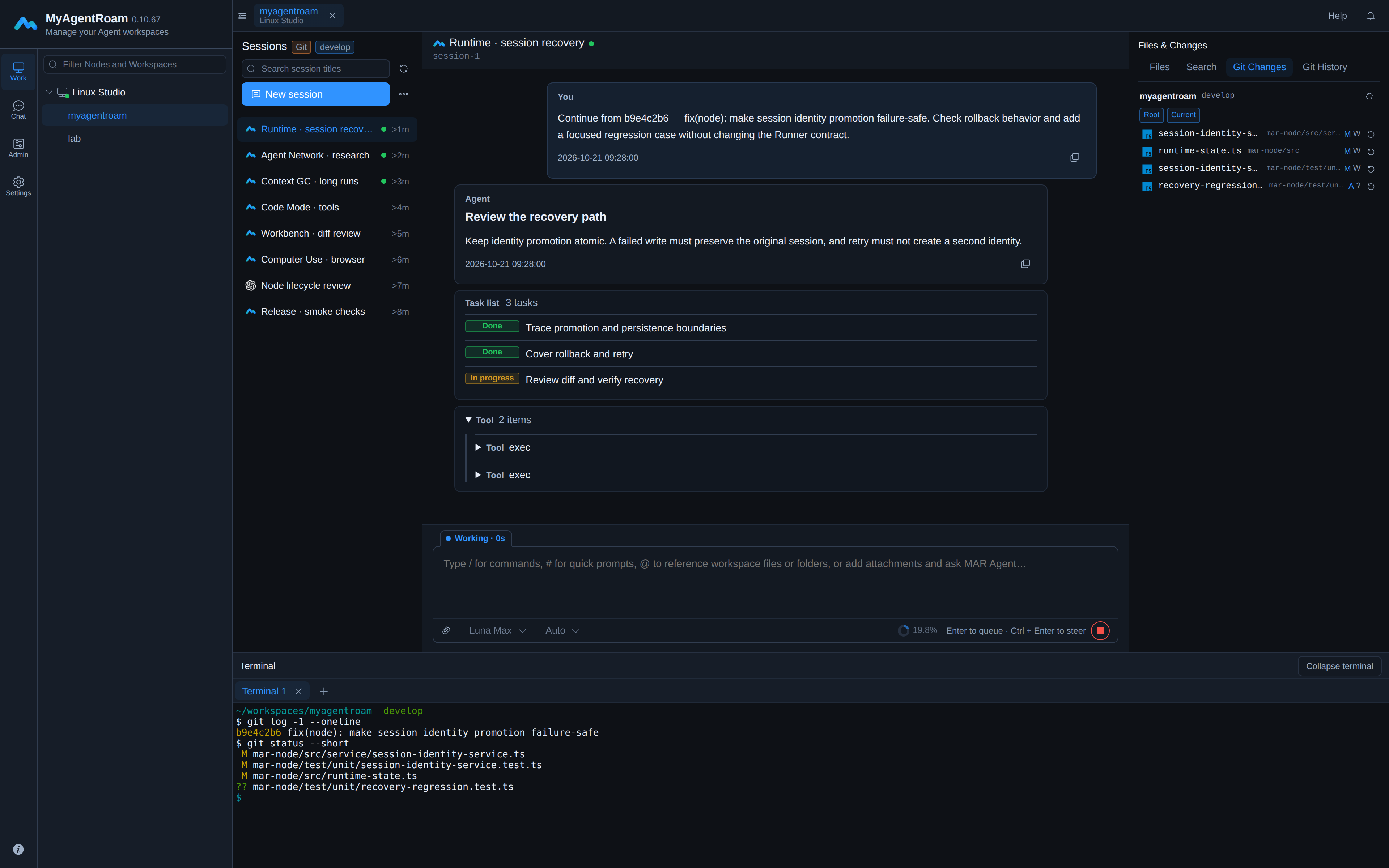
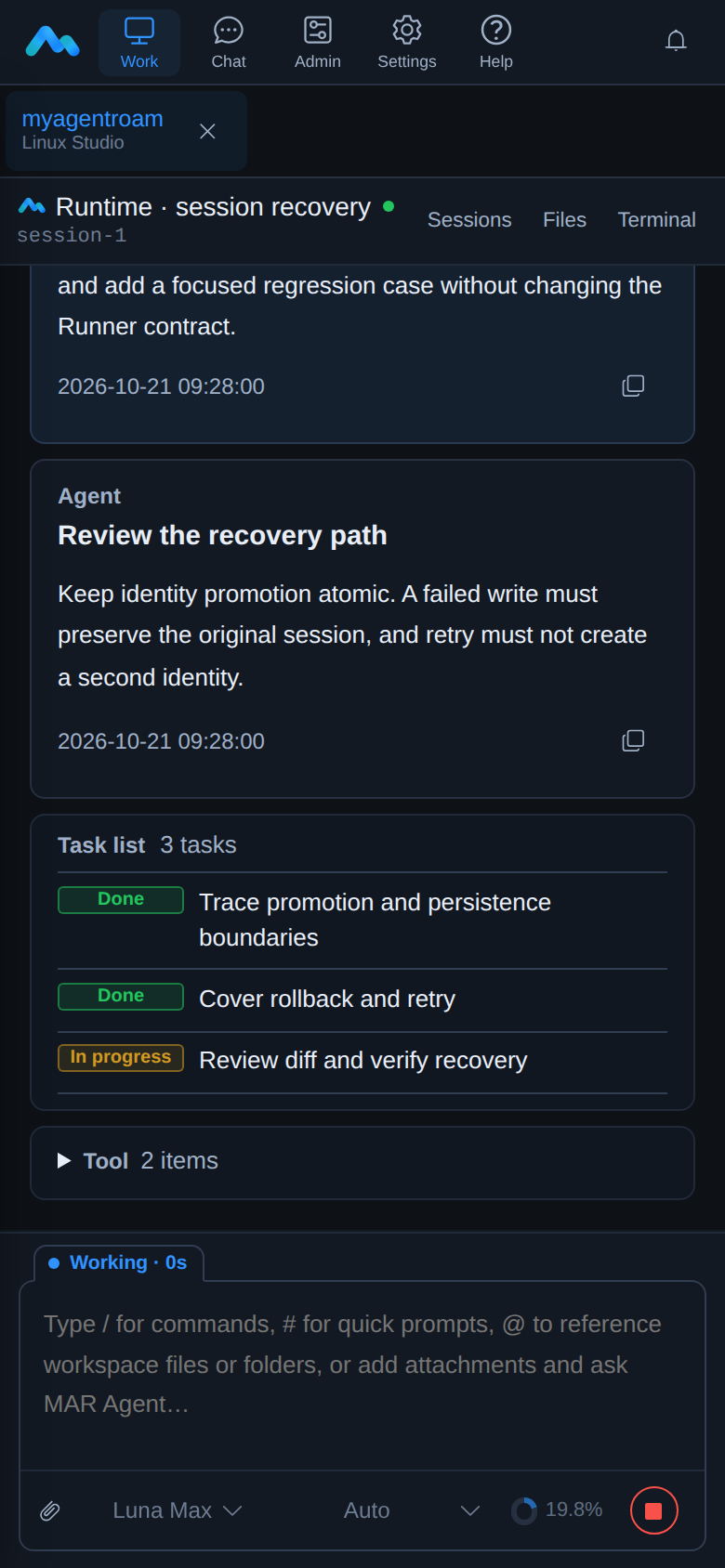
Projects, dependencies and execution stay on your own Windows, Linux or macOS
machines. Switch registered Nodes and workspaces from one workbench, without setting
up each browsing device.
Start at your deskChoose a workspace. Give your Agent a task.
Check in by phoneFollow progress, receive notifications and steer.
Back at your deskReview the changes. Keep the same task moving.
Enable Computer Use for MAR Agent when an engineering task needs a desktop GUI
rather than a command line.
Computer Use requires an available interactive desktop and explicit enablement for
the current run. Your self-hosted Server must be reachable and the relevant Node
online for live work. Complex diffs and extended terminal work suit a desktop
better. The author has no Mac; macOS has not yet been tested.
The mobile browser workbench
Projects and execution stay on your machines.
Projects, dependencies, Git and toolchains stay on the Node. Your browser accesses
authorized workspaces through the Server to assign tasks, check progress and review
changes. Execution stays on the Node.
BrowserObserve & steer
ServerIdentity & access
NodeReal workspace
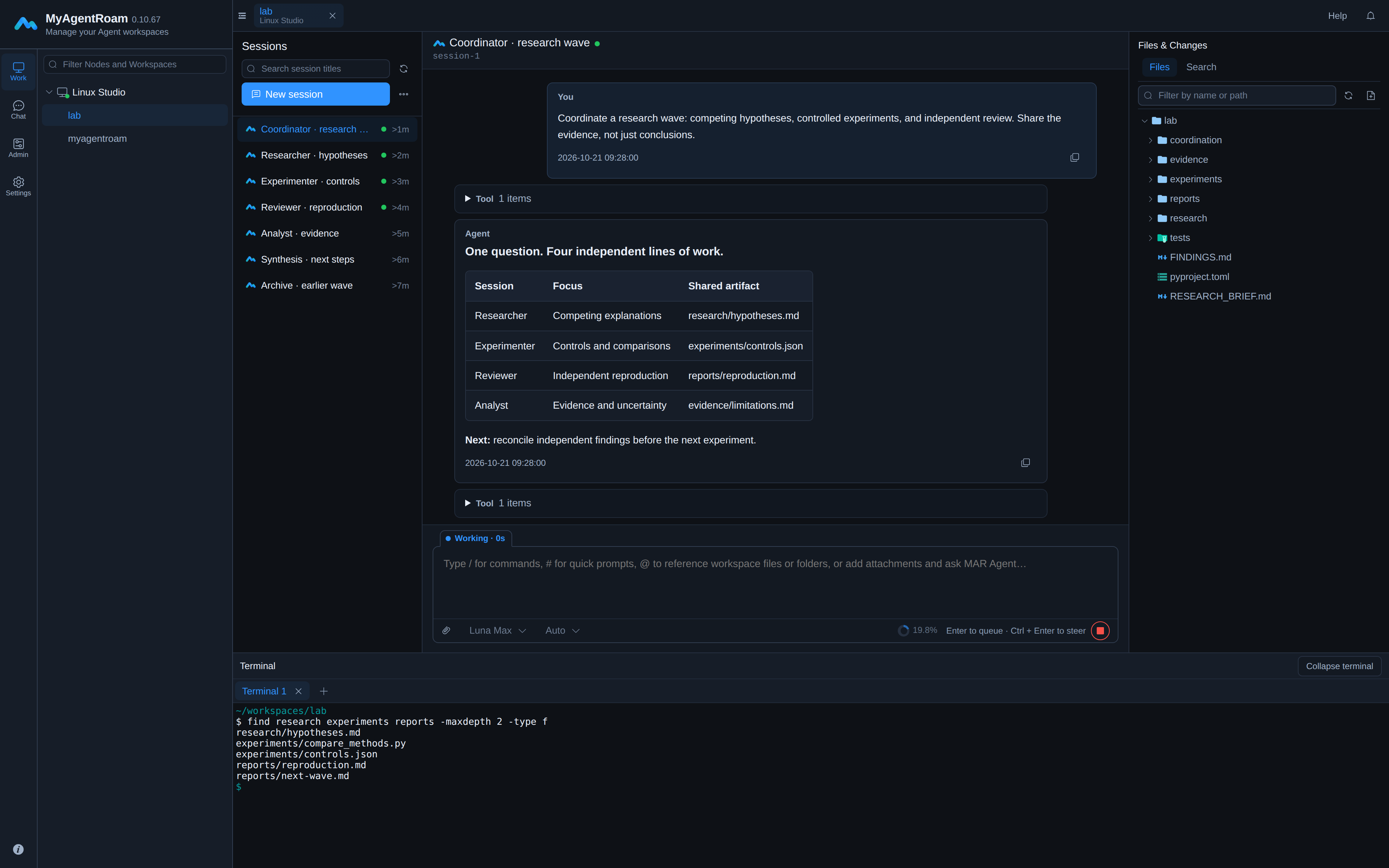
Coordinate work across Agents.
Use marctl to coordinate independent MAR Agent, Codex, Claude Code or OpenCode
sessions on the same Node and workspace. Divide research, implementation and review,
exchange messages and share artifacts while retaining separate contexts.
Unlike a Subagent within a parent execution, these are independent sessions.
Operations follow the capabilities of each Runner; this is not an automatic workflow
engine.
Agent Network · Example roles
Research
Implement
Review
Manage context through long tasks.
Long tasks need more than a one-off compaction. MAR Agent combines incremental
reclamation, phase-aware compaction and capacity protection, with visible context
state and manual control.
Reclaim historical context incrementally
Context GC incrementally reclaims eligible history, reducing old details carried
into subsequent requests.
Compact at a useful transition
Smart Compaction lets the Agent request background compaction at suitable phase
transitions. Fixed capacity protection works independently of that request.
Inspect usage and compact manually
Inspect reported context usage, compaction status and plans; compact manually when
needed. Compaction does not delete conversation history or promise unlimited,
lossless memory.